It-Tools: Self Hosted Collection of Developer Tools and It Utilities

Introduction
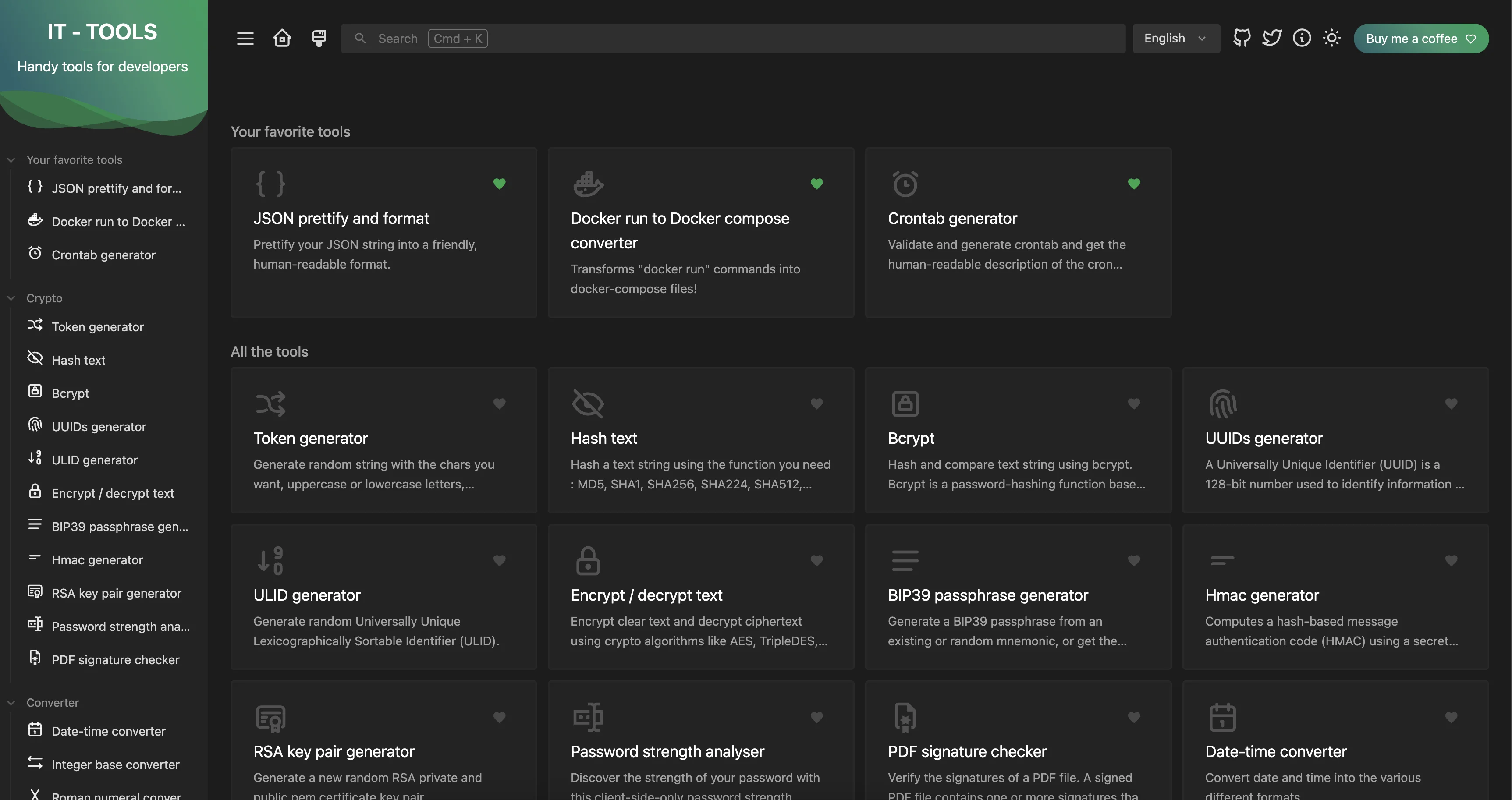
IT-Tools is a self-hosted collection of handy tools for IT usage. It includes converters, formatters, prettifiers, and many other utilities that developers and IT professionals use regularly. The project is created by Corentin Thomasset and is available on GitHub under the GPL-3.0 licence.
We have an instinct to search for tools like YAML or JSON formatters, word counters, and very simple hosted web tools. The problem with them is that we don’t know what’s happening with potentially sensitive data we hand over to them. It’s not recommended to paste private, possibly confidential information onto publicly available websites where we don’t know who the owner is and what’s being done with the data. You will definitely get scowled at by your senior developer!
By self-hosting this collection of tools and keeping them within your private network, you have better control over where your data is being copy-pasted. This project is also open source, so you can check if by some means your data is being uploaded to a third-party service. We’ve checked the IT-Tools repository and confirmed there’s no Plausible integration in the self-hosted version. See the Analytics on the Public Instance section for details. It’s very unlikely, and it would erode all the trust in the project if something were found in the source code. Following such an event, there definitely would be forks of the project, and we would migrate to them as a community.
Prerequisites
- Docker version 20.10 or later installed on your system. Newer versions of Docker include the Docker Compose plugin. Refer to the Verification section to ensure you have everything set up properly.
- An optional reverse proxy if you want to expose it securely (e.g., Caddy, Traefik, or Nginx)
Verification
Before proceeding with the installation, verify that Docker is installed.
| |
You should see output similar to:
| |
Optionally, verify Docker Compose is installed:
| |
Expected output:
| |
Installation
This is one of the simplest Docker deployments you can have. You don’t even need any volumes with this. It can be a stateless container.
Note: The image is available from both Docker Hub (
corentinth/it-tools:latest) and GitHub Container Registry (ghcr.io/corentinth/it-tools:latest). Both are official and maintained. We use the Docker Hub version for brevity.
Using Docker Run
Using Docker Compose
Sometimes you want a more permanent version control way of deploying your tools. We can achieve this using a Docker Compose file.
Choose or create an appropriate directory. Something like ~/self-hosting/it-tools.
Create a docker-compose.yaml file:
Then within that directory run:
| |
Test the Deployment
Access the application at localhost:8080.
Available Tools
As of December 2025, the latest version is v2024.10.22-7ca5933, released on 22 October 2024.
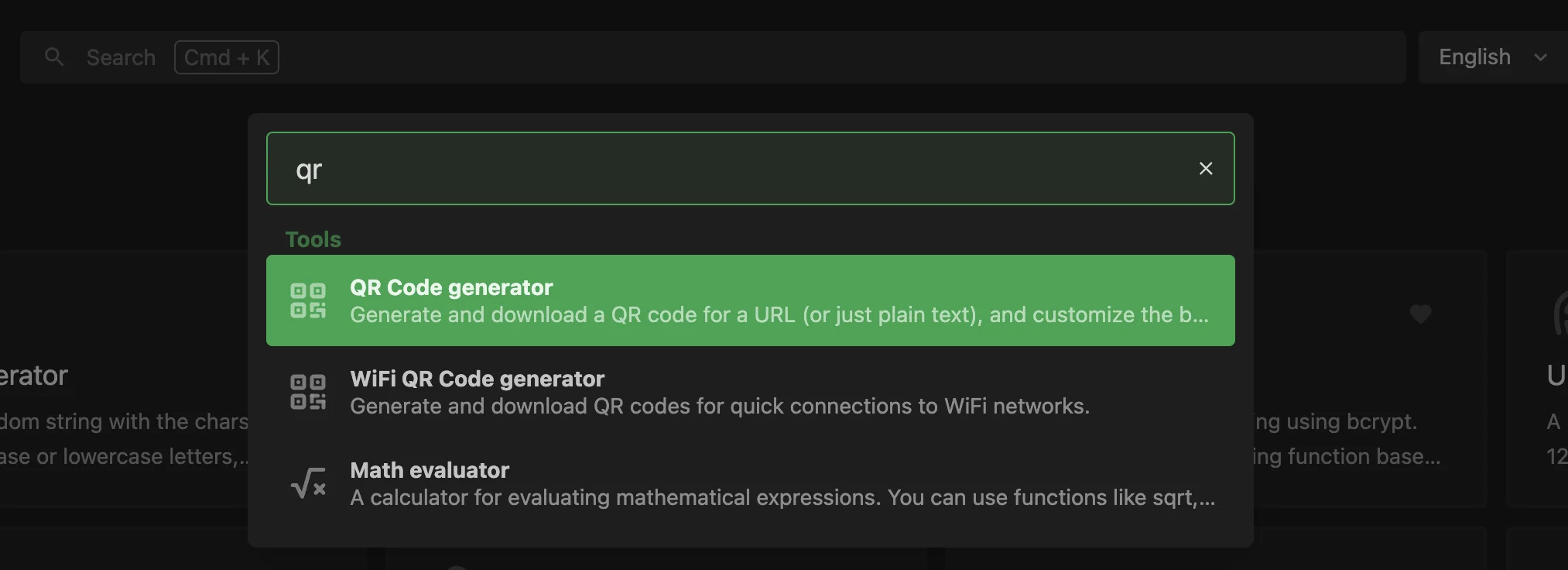 Quickly search for tools using the keyboard shortcut.
IT-Tools includes over 100 utilities organised into convenient categories. Here’s the list of tools available by category:
Cryptographic Utilities
- Token generator
- Hash text (MD5, SHA1, SHA256, SHA224, SHA512, SHA384, SHA3, RIPEMD160)
- Bcrypt
- UUIDs generator
- ULID generator
- Encrypt / decrypt text
- BIP39 passphrase generator
- HMAC generator
- RSA key pair generator
- Password strength analyser
- PDF signature checker
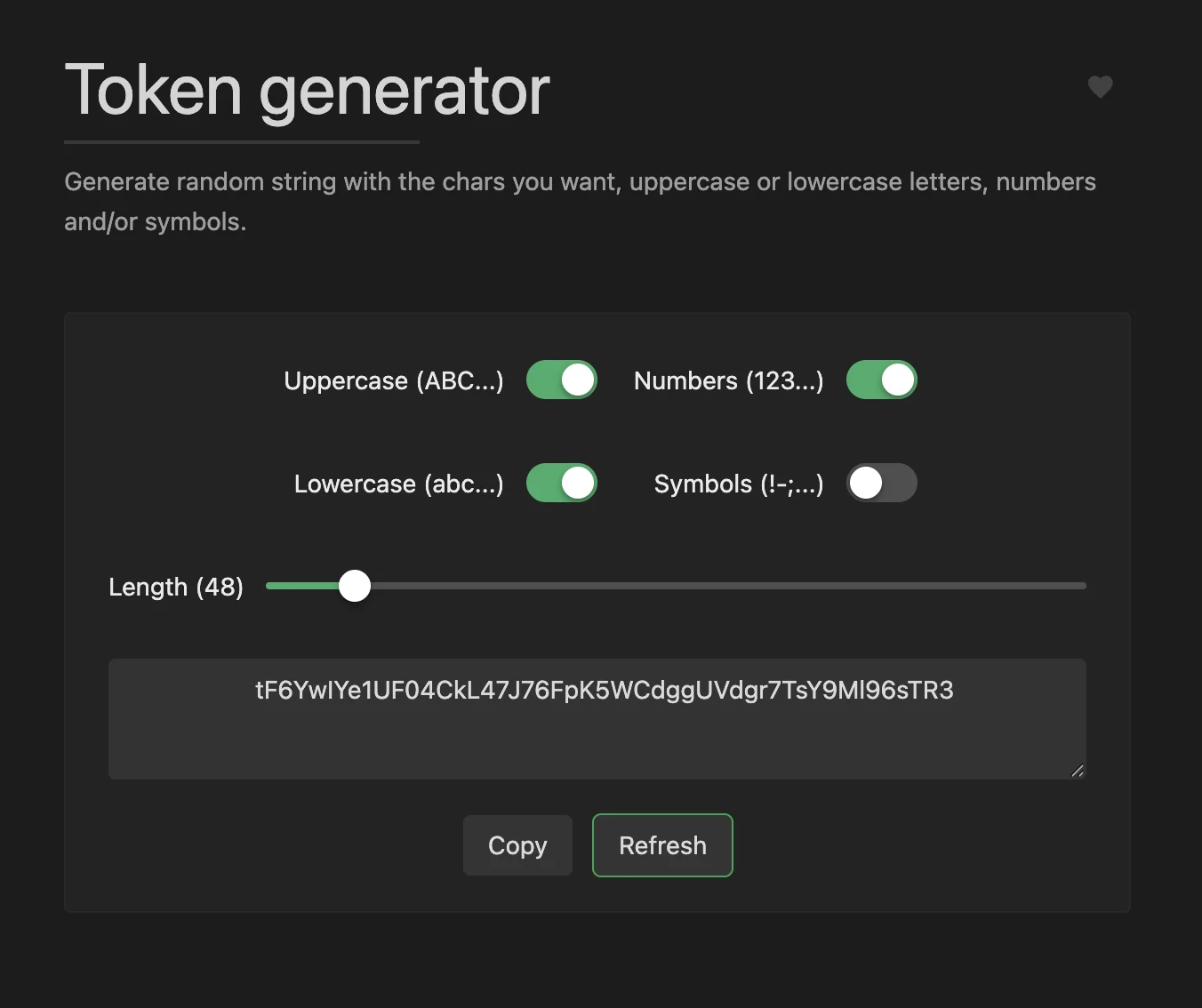 Generate random tokens for various use cases.
Converters
- Date-time converter
- Integer base converter
- Roman numeral converter
- Base64 string encoder/decoder
- Base64 file converter
- Colour converter
- Case converter
- Text to NATO alphabet
- Text to ASCII binary
- Text to Unicode
- YAML to JSON converter
- YAML to TOML
- JSON to YAML converter
- JSON to TOML
- List converter
- TOML to JSON
- TOML to YAML
- XML to JSON
- JSON to XML
- Markdown to HTML
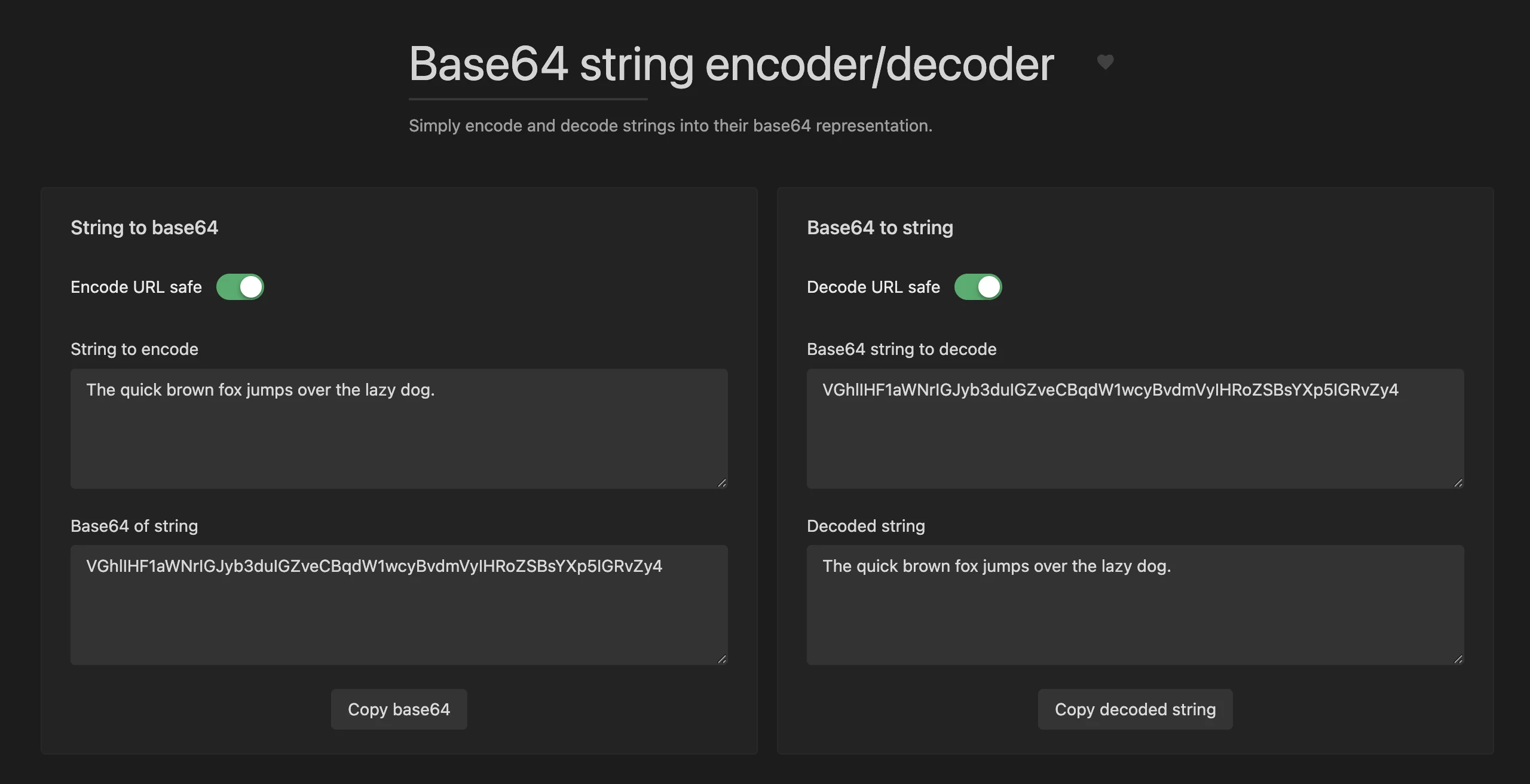 Encode and decode Base64 strings easily.
Tools for the Web
- Encode/decode URL-formatted strings
- Escape HTML entities
- URL parser
- Device information
- Basic auth generator
- Open graph meta generator
- OTP code generator
- MIME types
- JWT parser
- Keycode info
- Slugify string
- HTML WYSIWYG editor
- User-agent parser
- HTTP status codes
- JSON diff
- Outlook Safelink decoder
Images and Videos
- QR Code generator
- Wi-Fi QR code generator
- SVG placeholder generator
- Camera recorder
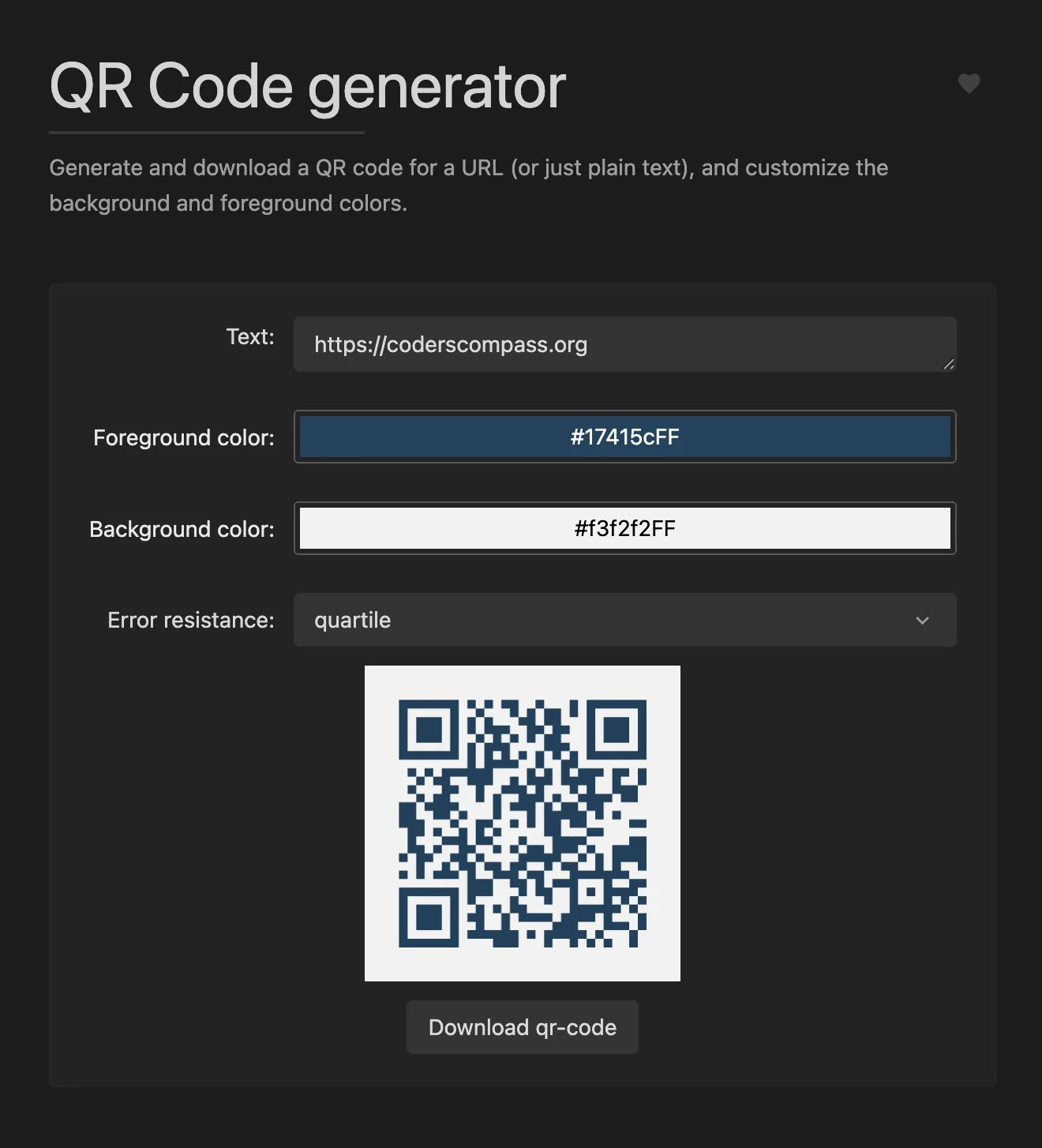 Generate QR codes for URLs, text, and more.
Development
- Git cheat sheet
- Random port generator
crontabgenerator- JSON prettify and format
- JSON minify
- JSON to CSV
- SQL prettify and formatter
chmodcalculator- Docker run to Docker compose converter
- XML formatter
- YAML prettify and format
- Email normaliser
- Regex Tester
- Regex cheat sheet
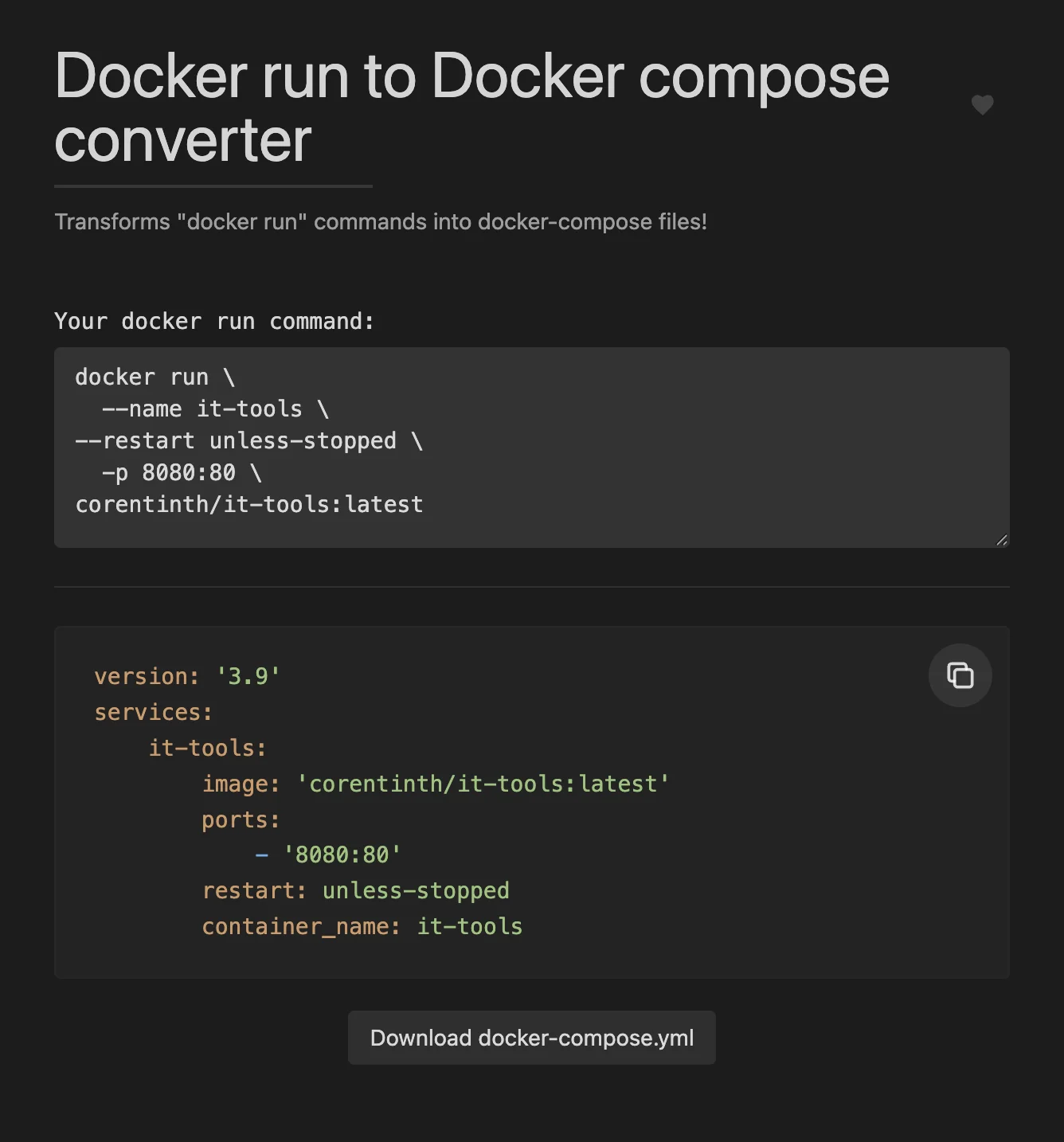 Convert Docker run commands to Docker compose files.
Network
- IPv4 subnet calculator
- IPv4 address converter
- IPv4 range expander
- MAC address lookup
- MAC address generator
- IPv6 ULA generator
Mathematics
- Math evaluator
- ETA calculator
- Percentage calculator
Measurement
- Chronometer
- Temperature converter
- Benchmark builder
Text Utilities
- Lorem ipsum generator
- Text statistics
- Emoji picker
- String obfuscator
- Text diff
- Numeronym generator
- ASCII Art Text Generator
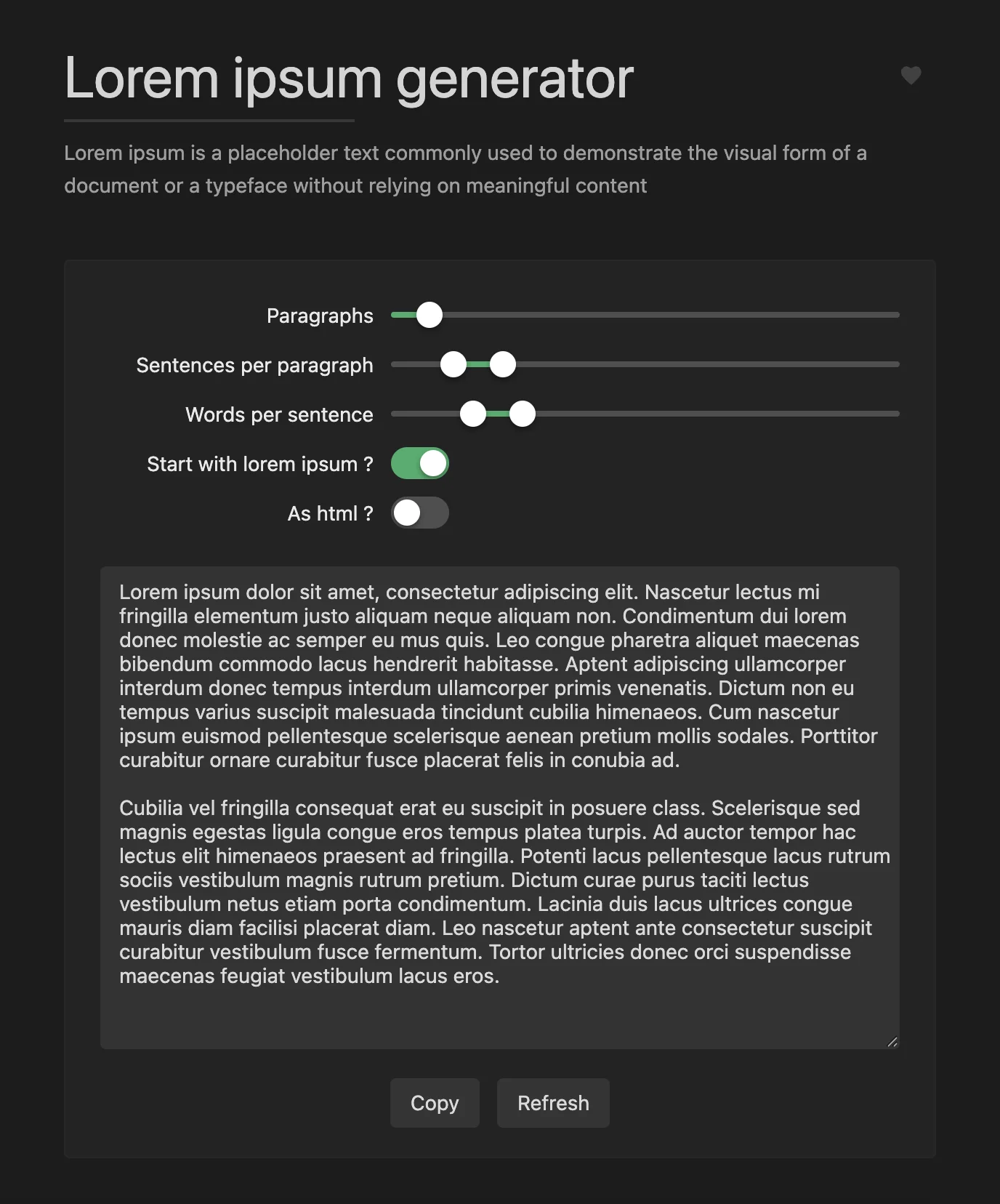 Generate placeholder text for your projects.
Data Processing Tools
- Phone parser and formatter
- IBAN validator and parser
Analytics on the Public Instance
The publicly hosted version of IT-Tools uses Plausible as an analytics platform, as evidenced by the plausible.plugin.ts file in the source code. However, when you self-host it using the Docker image, there is no analytics tracking.
- The Dockerfile does not include any environment variables or configuration for Plausible
- The Plausible plugin requires explicit configuration to function, which is absent in the self-hosted deployment.
- All tools are Vue.js components that process data locally within the browser.
Other than this, there’s no evidence of data being sent to any third parties. All tools are Vue.js components that process data within themselves. Some of them use local storage, but none of them do any data transfers. There are no traces of any HTTP usage.
Conclusion
Overall, IT-Tools is a nifty collection of handy tools all in one place. It’s highly recommended that you try it. The deployment is straightforward, and having these tools self-hosted (ideally within your local network) means you can use them without worrying about data privacy.
If you derive a lot of value from this little tool, we recommend sponsoring Corentin on GitHub so that we can keep this wonderful project going! You can also buy Corentin a coffee.
Know any other such tools worth self-hosting? Let us know in the comments!
Comments